Early access · Mac and iPhone
Mail that keeps track of what matters.
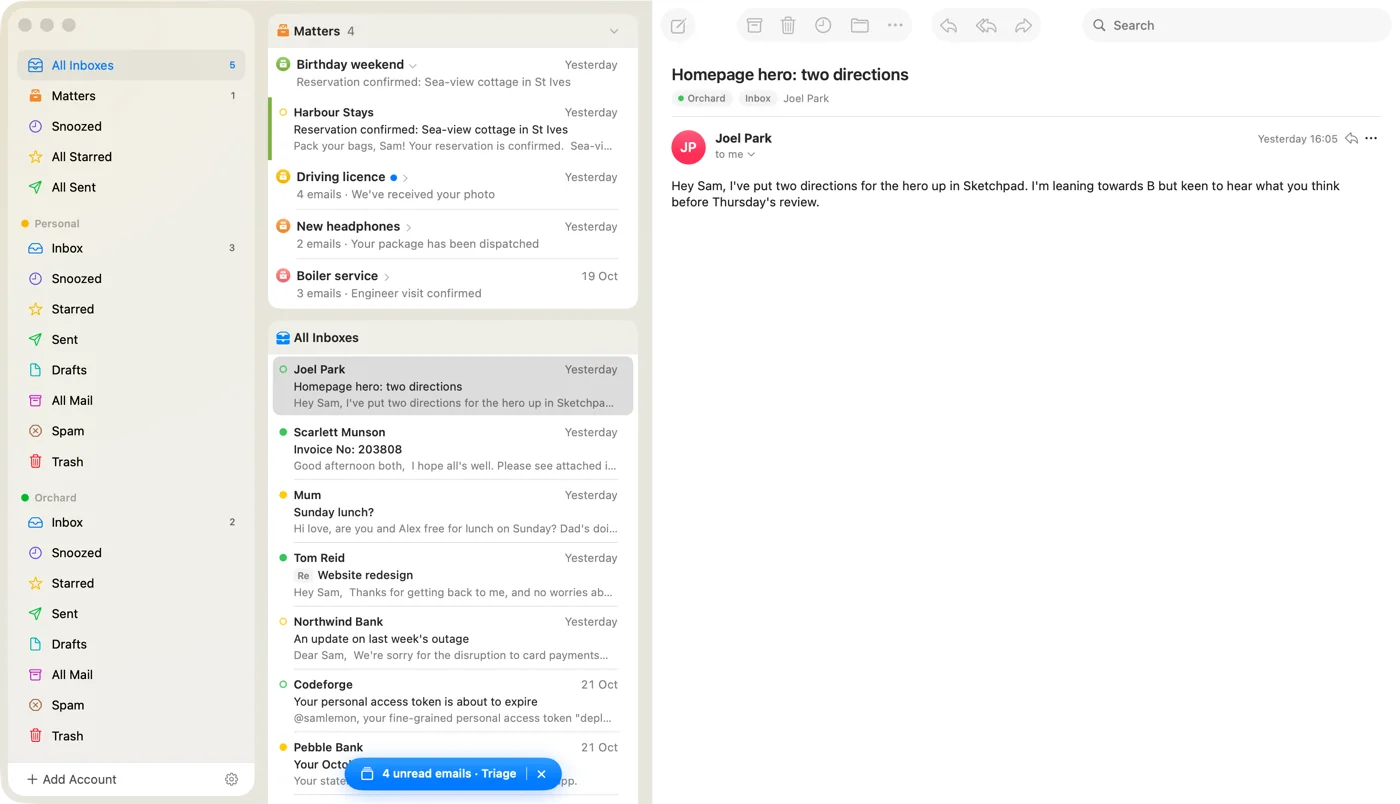
A native mail app for Mac and iPhone. Gather the emails about something ongoing (a job application, a parcel, a trip) into a Matter, and let it go once it's done.


Matters
For the things that take a few emails to finish.
Put the emails about something ongoing in a Matter. They wait together at the top of your inbox until it's done.
- Drag emails in.
- A note and a colour for each.
- A nudge if it goes quiet.
- Done tidies it away. New mail brings it back.


Triage
Your inbox, one card at a time.
Triage deals your unread mail out like a deck of cards, minus anything already in a matter. On the Mac, the arrow keys do what the swipes do.
Delete
Swipe left to delete.
Past the line, Delete lights up. Let go and it's gone, with Undo right there if you didn't mean it.
Archive
Swipe right to archive.
Dealt with? Archive it, and the next card is already waiting.
Snooze
Swipe up to snooze.
Not now? Say when it should come back, and it's out of the way until then.
Snooze
Not now? It'll be back.
Snoozed mail leaves your inbox and comes back when you said, at the top, under Back from snooze.
- Times that fit the day. This Evening (until 5pm, then Tomorrow Evening), Tomorrow Morning, Next Week, or any date and time.
- Back early if they reply. New mail in the conversation brings it straight back.
- On time, whichever device is awake. Snoozes sync between your Mac and iPhone. If the Mac is asleep, a silent push wakes your iPhone to bring the email back; the push carries a random ID and a time, never the email.
- From anywhere. Swipe up in Triage, tap the clock on a message, or make it a list swipe. Back-from-snooze notifications if you want them.
And the rest
Everything else, done carefully.
-
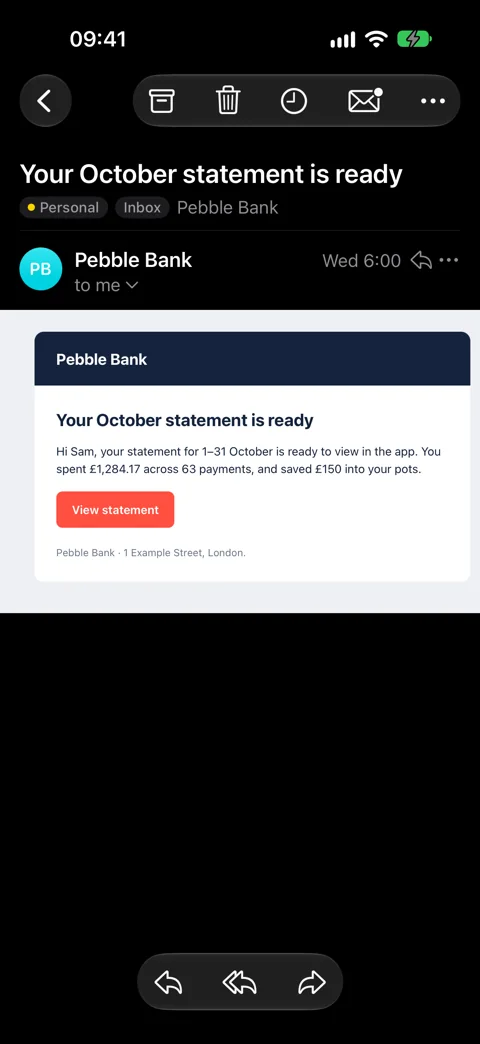
Native on Mac and iPhone.
Made for each. Not a website in a window.
-
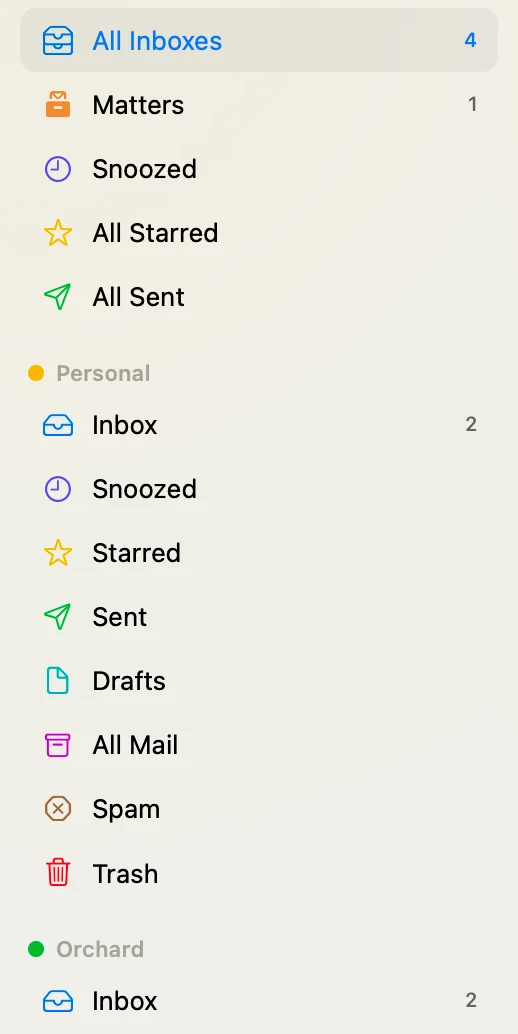
Gmail and IMAPAll your inboxes. One list.
-
Gone when it's dealt with.
Notifications that tidy up after themselves.
-
Accept. Maybe. Decline.
Invitations, answered in the email.
-
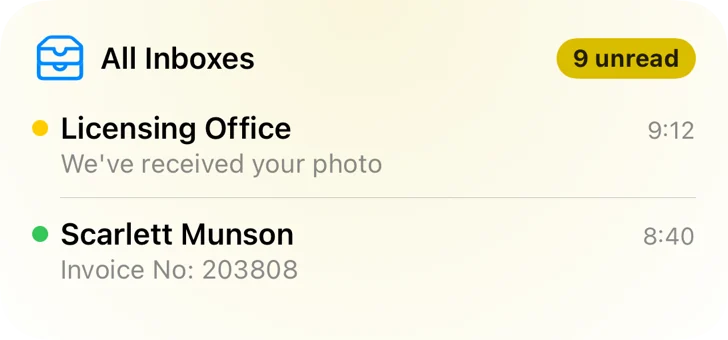
WidgetsYour inbox, at a glance.

-
Undo Send.
Offline? It waits in the Outbox.
-
Tomorrow, 8:00.
Send Later, from whichever device is awake.
-
PrivacyYour mail stays on your devices.
No Matter Mail cloud. The app talks to Gmail or your mail server directly.
-
Push, without your mail.
Unless you opt in, our push server never sees an email.
-
Unsubscribe. Then archive.
One tap, after a check that you meant it.


Be one of the first to try it.
Matter Mail is in testing now. Leave your email and we'll let you know when there's a place for you.